Heightmap
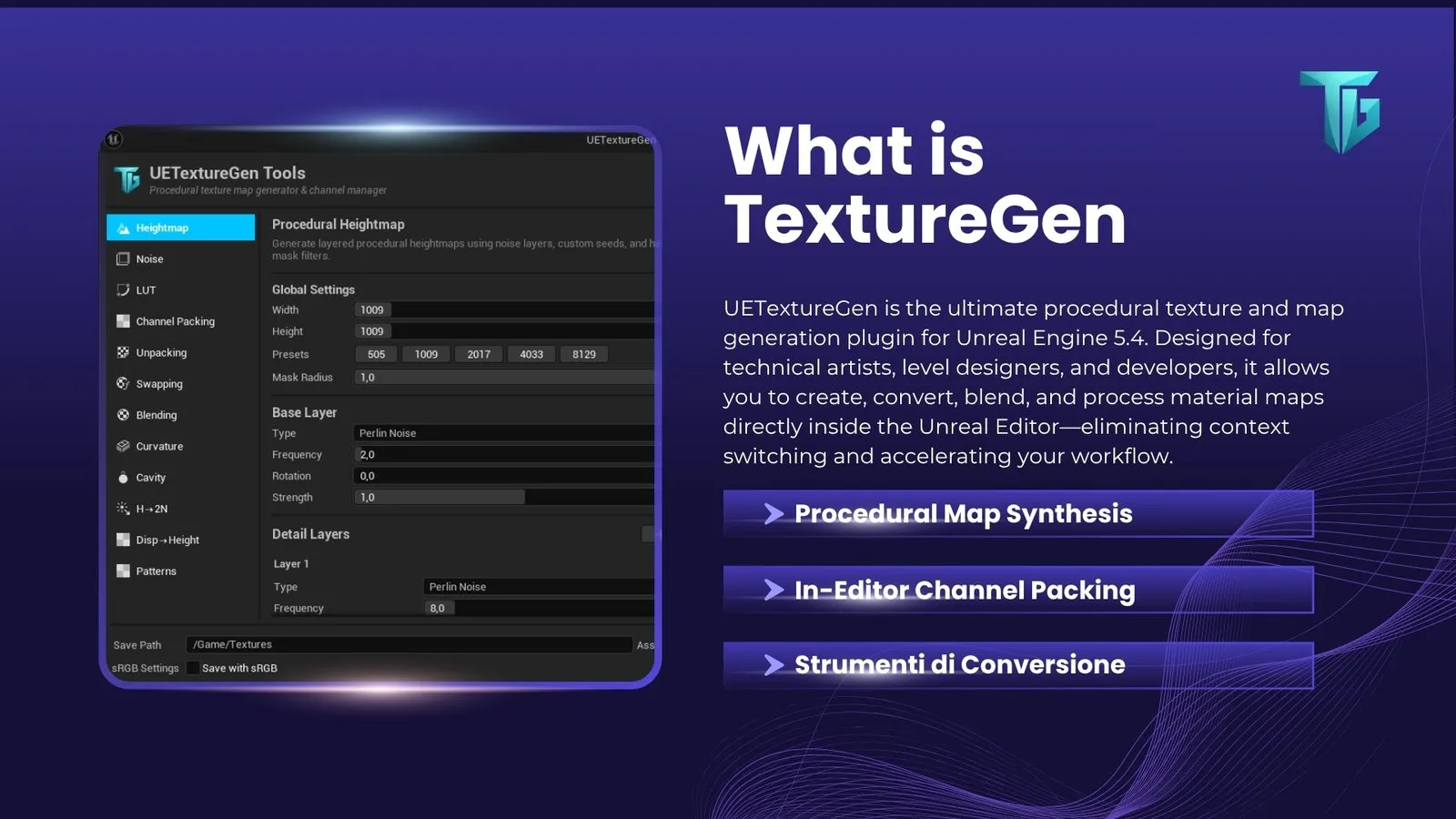
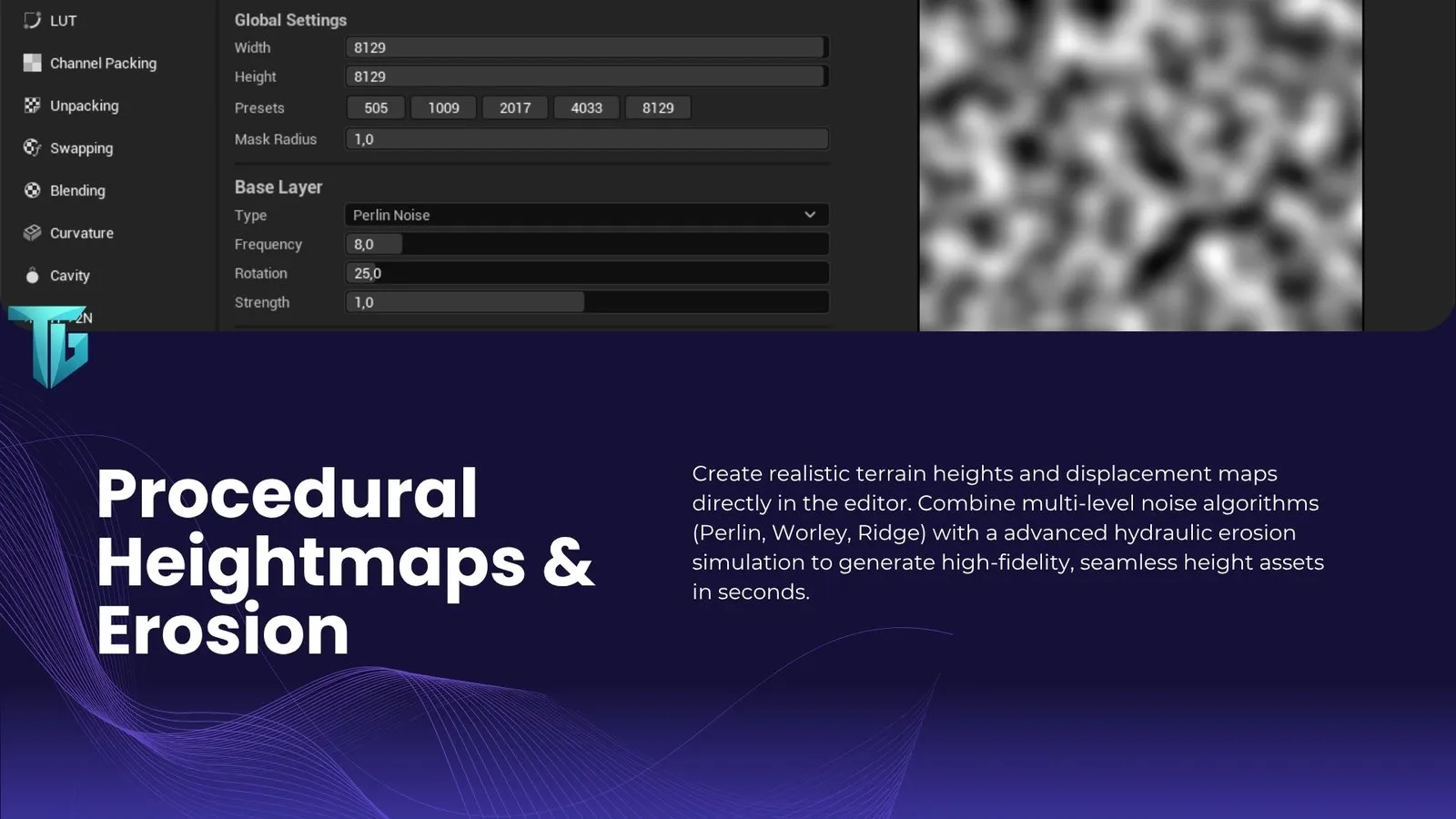
Terrain from several layers of noise, with simulated hydraulic erosion and a radial mask for islands and mountains.
DotLabs Studios – Game Development


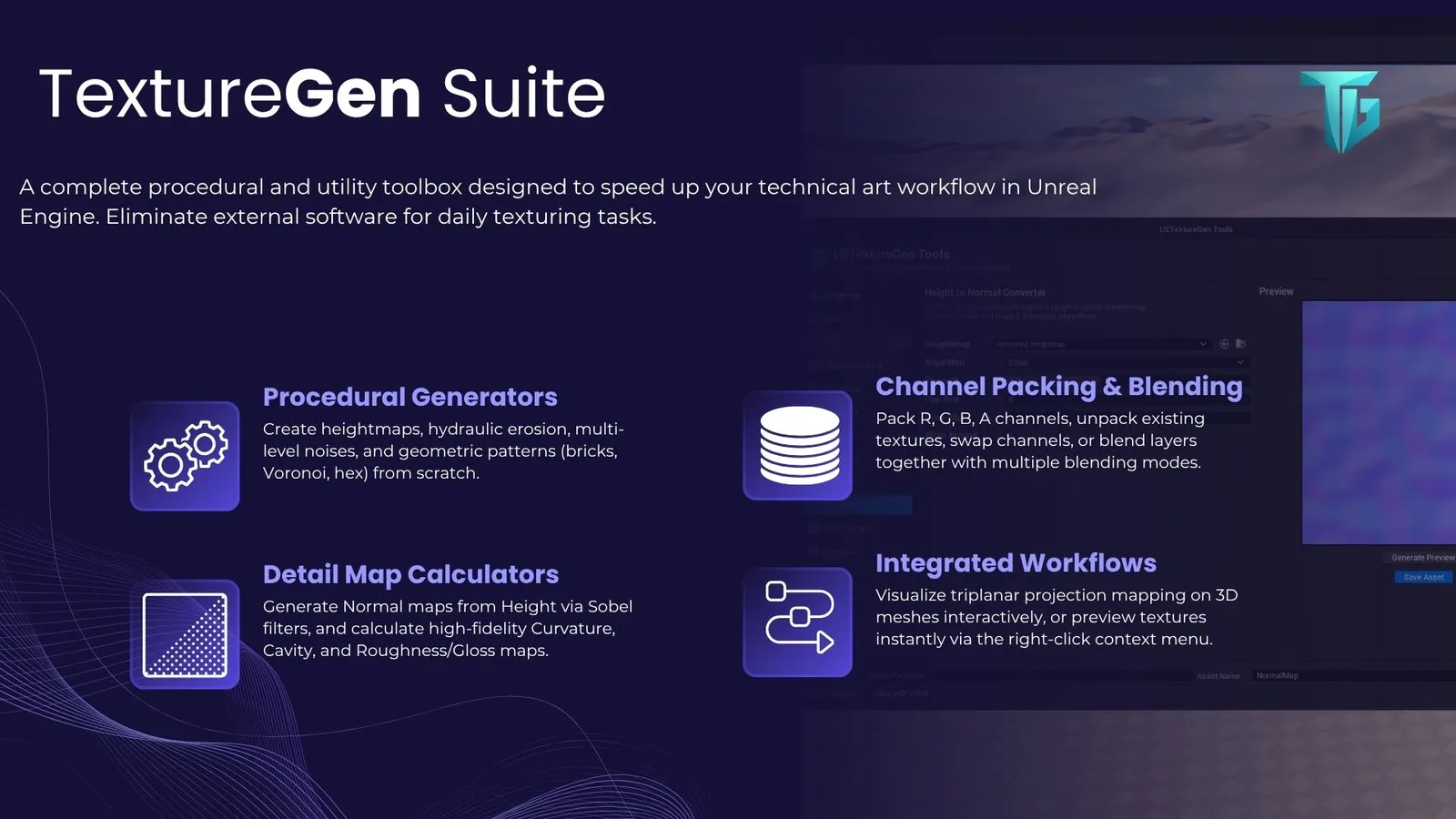
The procedural texture generator for Unreal Engine 5: heightmaps, noise, LUTs, channel packing and detail maps, without leaving the editor.
Texture Gen is a plugin for Unreal Engine 5, written entirely in C++, that brings the tools to create, convert and combine textures into the editor. It opens from the Window → UETextureGen Tools menu or from its icon in the toolbar.
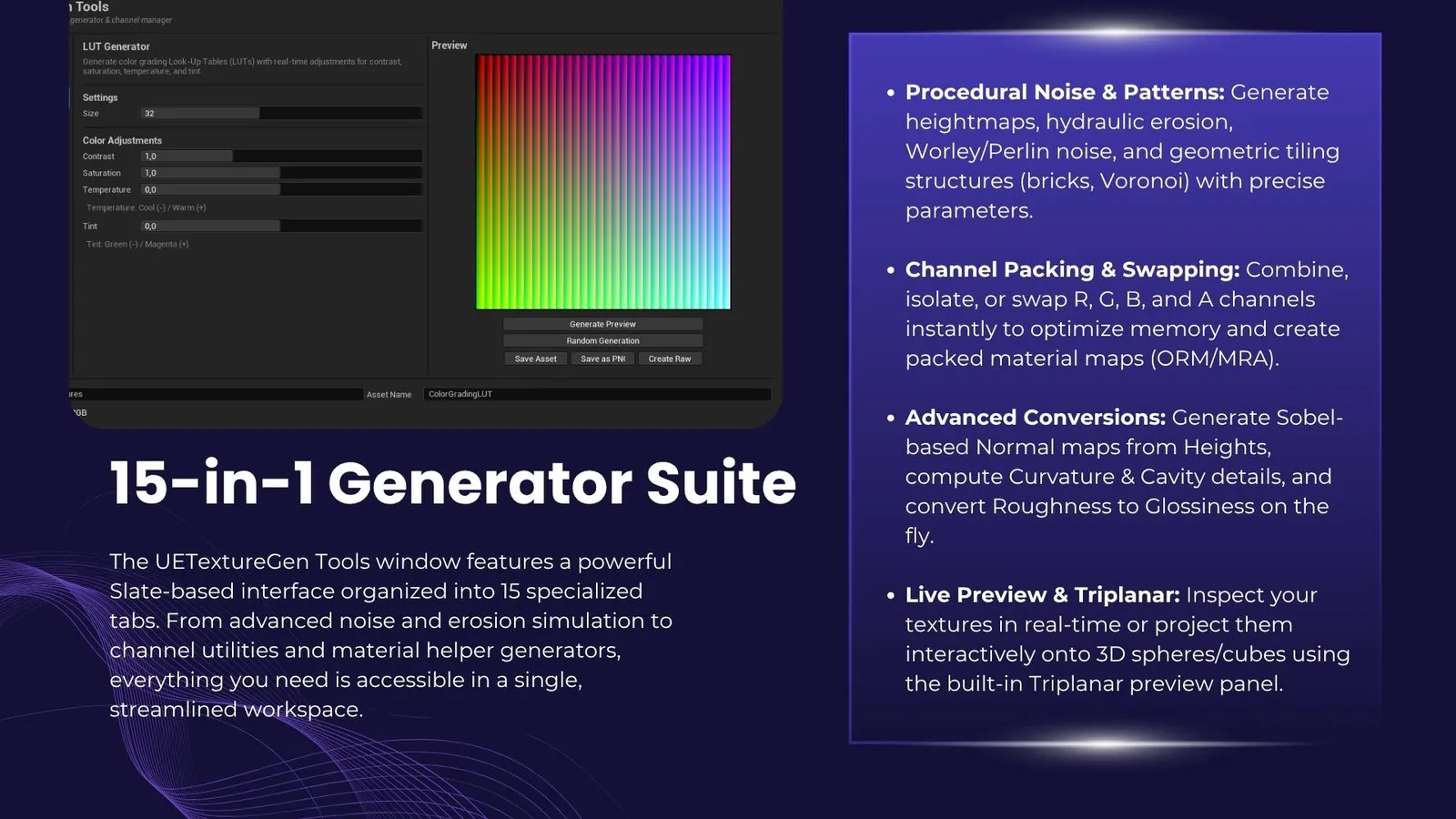
The textures it makes become assets of the project, with the sRGB setting that PBR rendering expects: linear for normal maps, AO, roughness and displacement, sRGB for colours and LUTs. Heightmaps can also be exported as 16-bit PNG or RAW, ready for the Landscape tool.
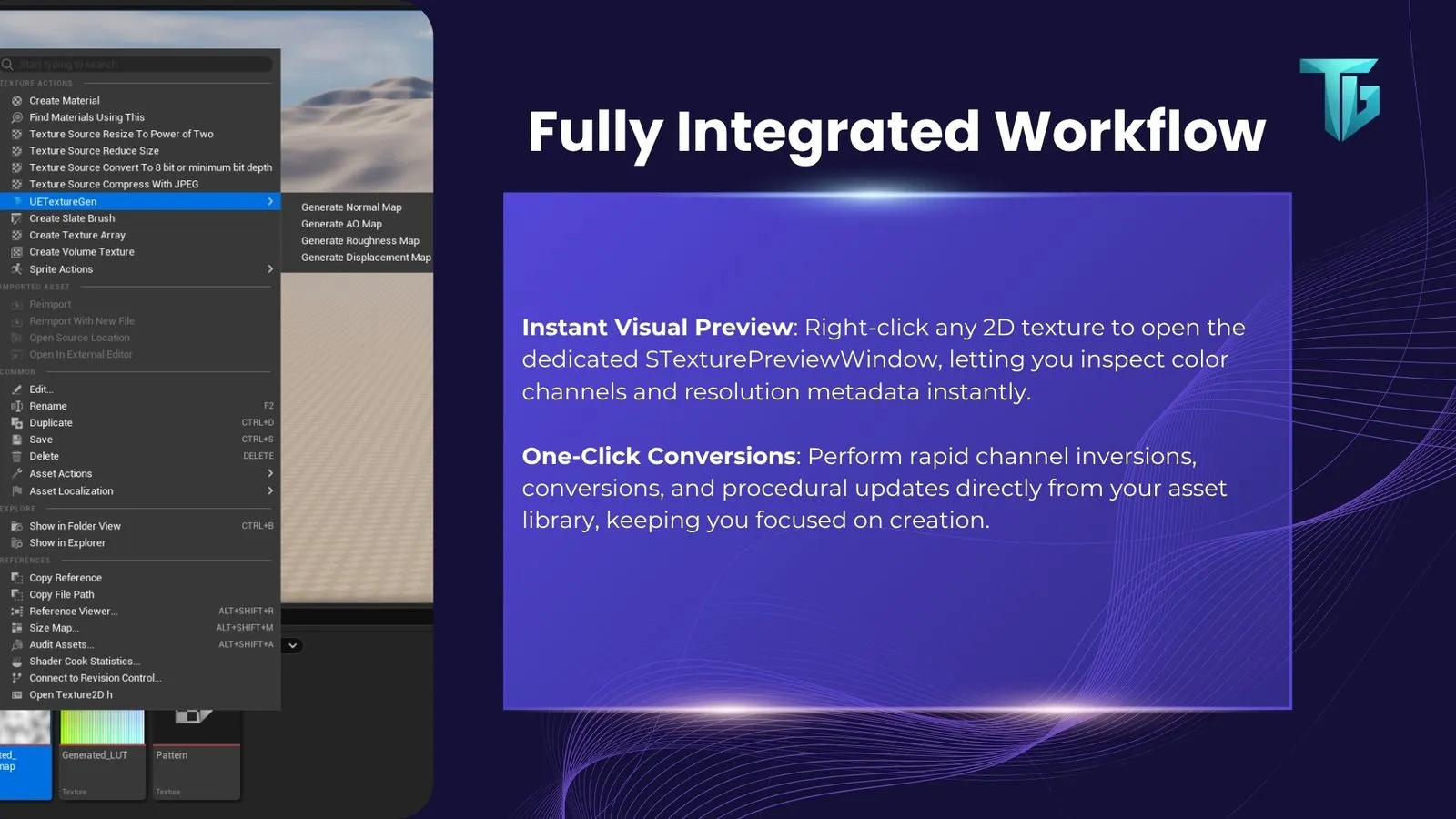
For quick conversions, right-click a texture in the Content Browser: normal map, AO, roughness or displacement in a preview window, with the main parameters and a direct save.
The tools window is split into twelve tabs: from generating from scratch to converting the maps you already have.
The tools window, the preview from the context menu and the maps generated in the Unreal Engine editor.
| Version | 1.0.0 |
| Type | Plugin for the Unreal Engine editor (C++ and Slate) |
| Unreal Engine | 5.8 |
| Platform | Windows, with Visual Studio 2022 to compile the plugin |
| Licence | Paid |
 Available
Desktop app · Plugin
3D models that stay editable.
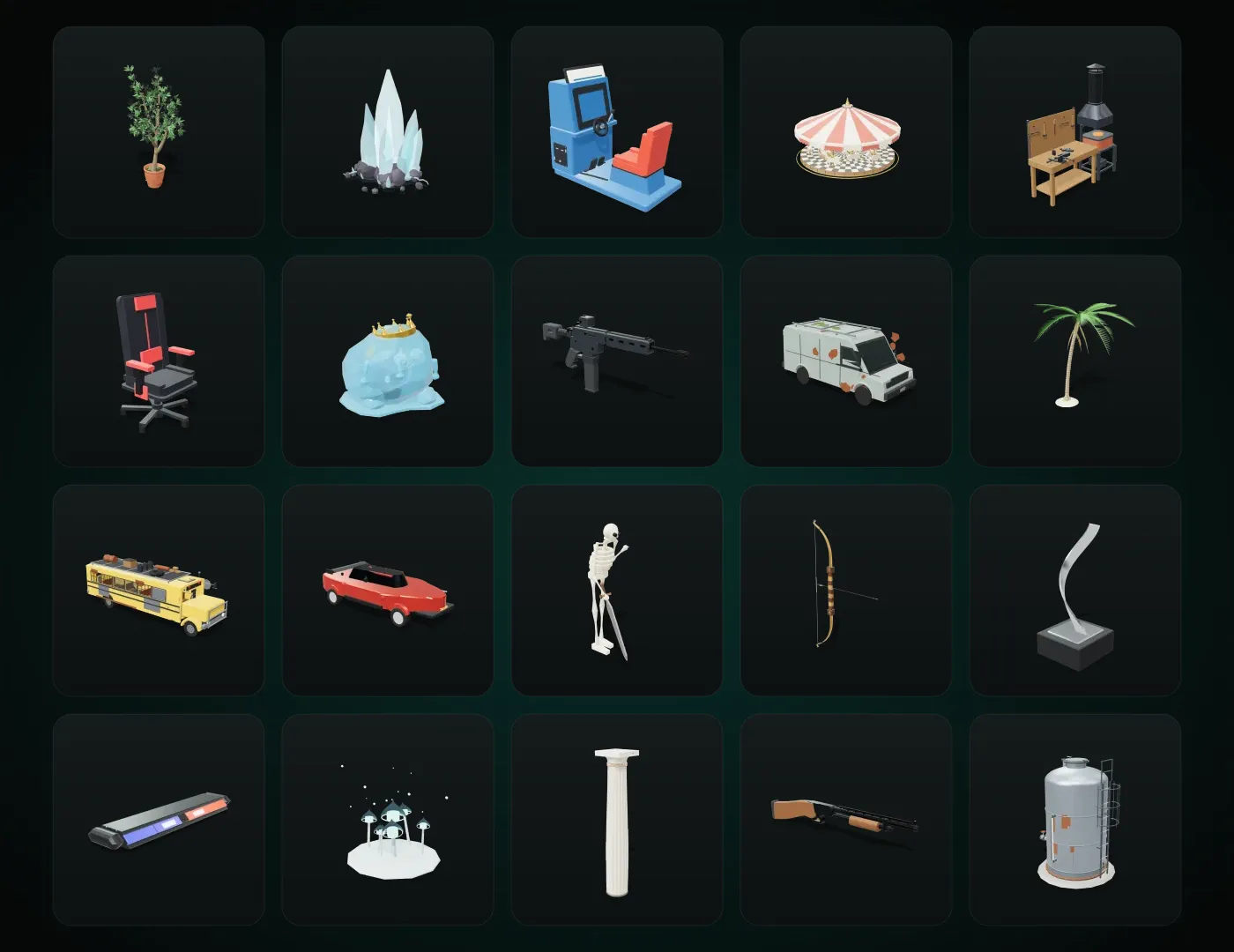
Every model is a small program: you change it with sliders or by asking an AI assistant, and you use it live in Unreal, Unity and Blender. It starts from a library of more than 1,200 models.
Unreal · Unity · Blender · GLB
 Available
Unreal Engine 5 plugin
Every asset, in every project.
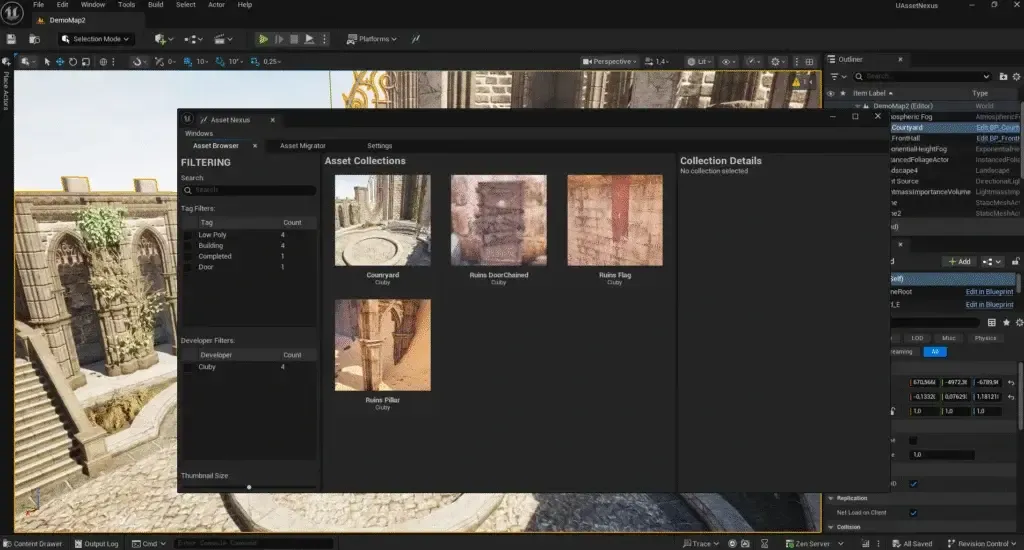
Catalogue and move assets between Unreal Engine projects and versions: tags, bulk import, dependencies pulled in automatically, and synchronisation with Google Drive, OneDrive and Nextcloud.
Unreal Engine 5 · Windows
 Available
Android app · Plugin
Your harness chats, in your pocket.
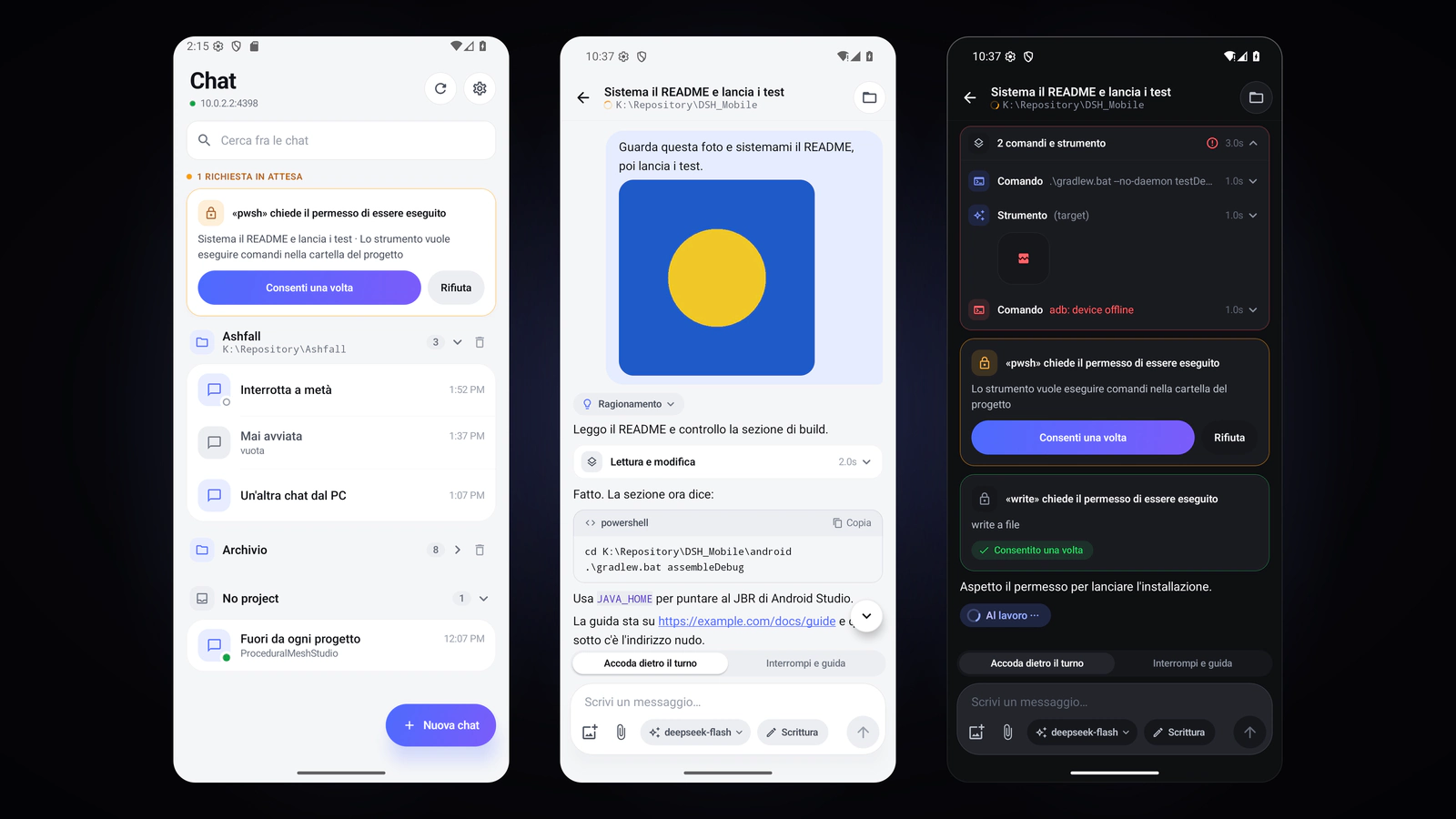
A plugin opens DeepSeek Harness to a native Android app: chats grouped by project, the transcript with the tool cards, approvals and questions, photos, files and artefacts, model and access level. Over Wi-Fi or Tailscale, with no cloud.
Android · DeepSeek Harness