Parameters, not polygons
Every model has its own controls. Free variants: a new seed, a new look, with no new asset.
DotLabs Studios – Game Development


3D models that stay editable: every model is a small program you change with sliders or by asking an AI assistant, and use live in Unreal, Unity and Blender.
In Procedural Mesh Studio a model declares its own controls: sliders, choices and colours that make sense for that object. Put it in a level a hundred times and give each copy different values: the program rebuilds the geometry in a few milliseconds, and the same seed always gives the same mesh.
So the model can be changed after it is made: in the editor, in the level, copy by copy. When it is final it becomes a real mesh, by baking into the meshes of the engine or exporting to GLB.
A desktop app, and plugins for the engines you already use.
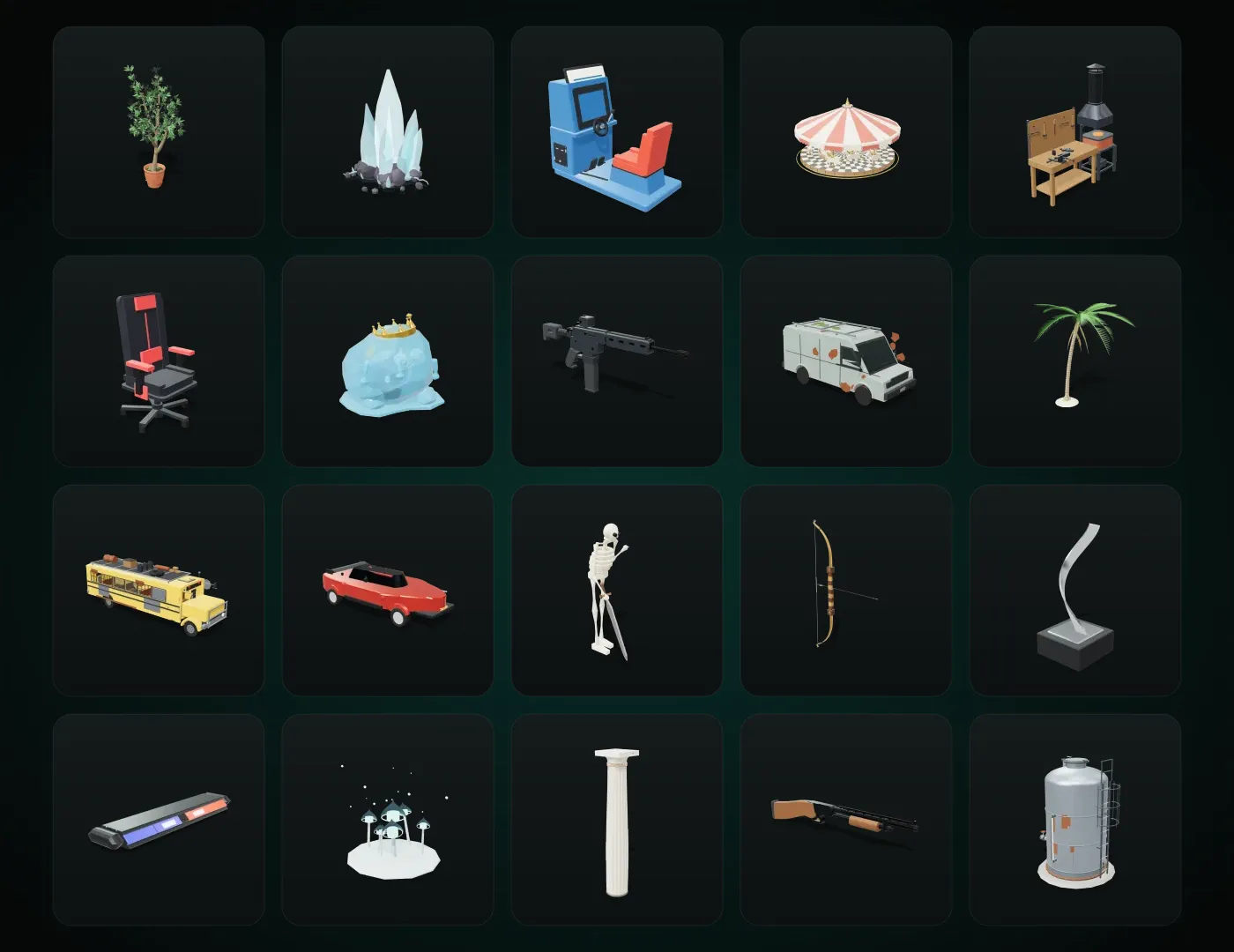
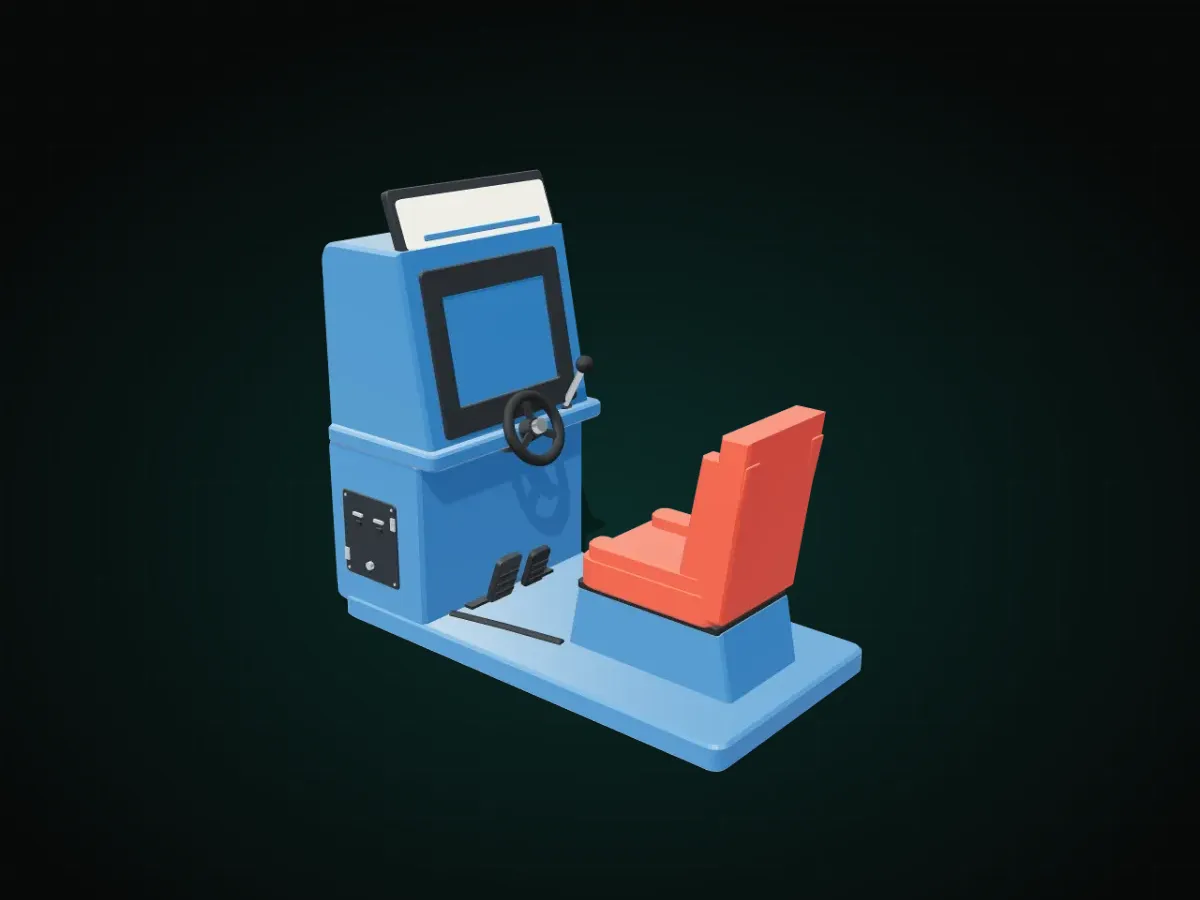
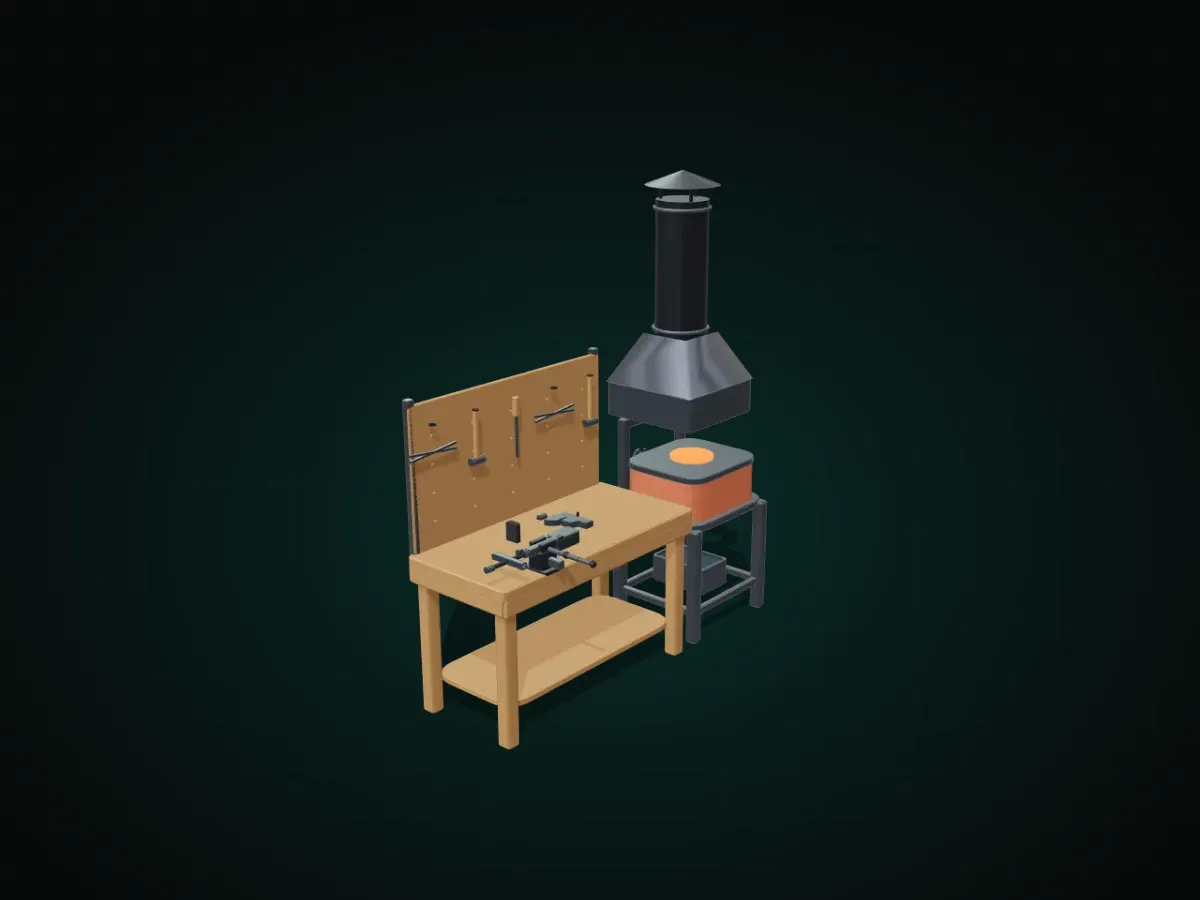
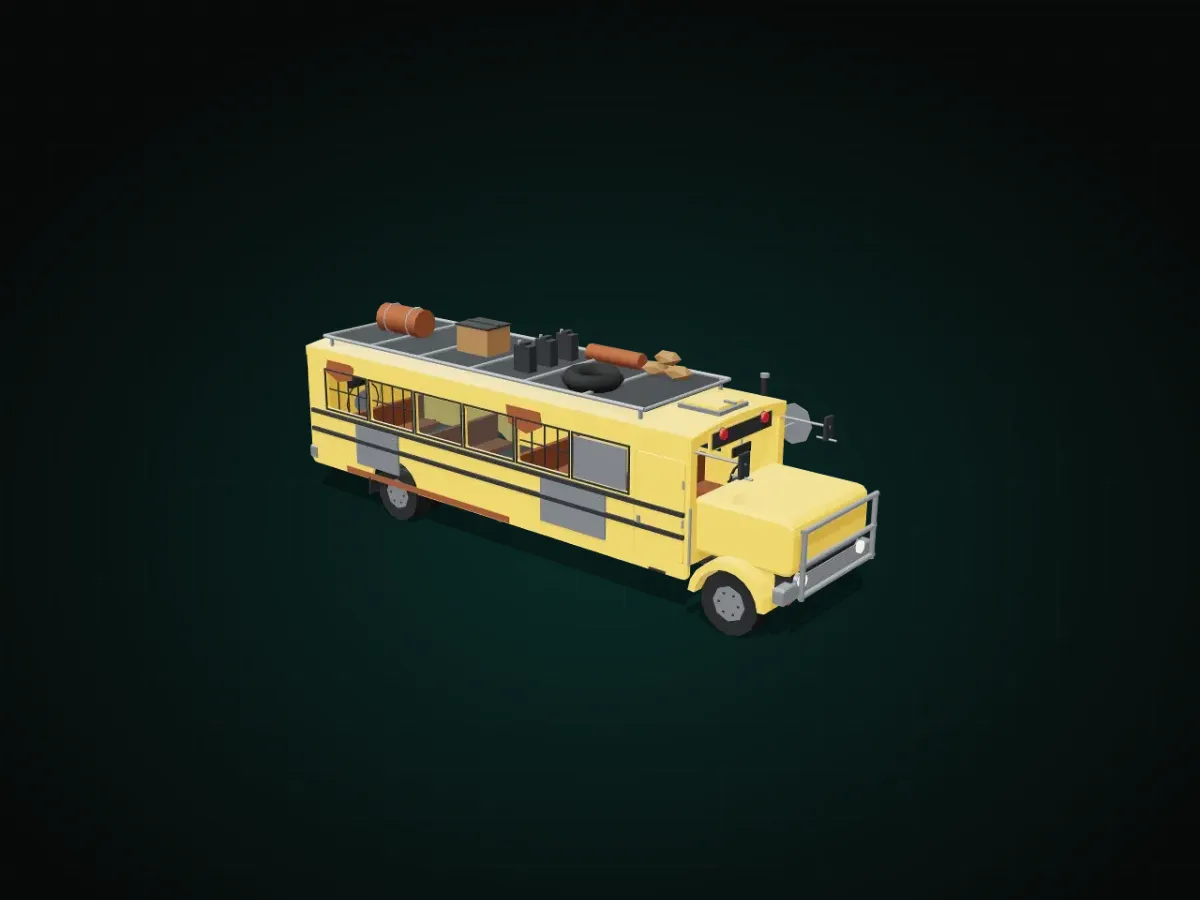
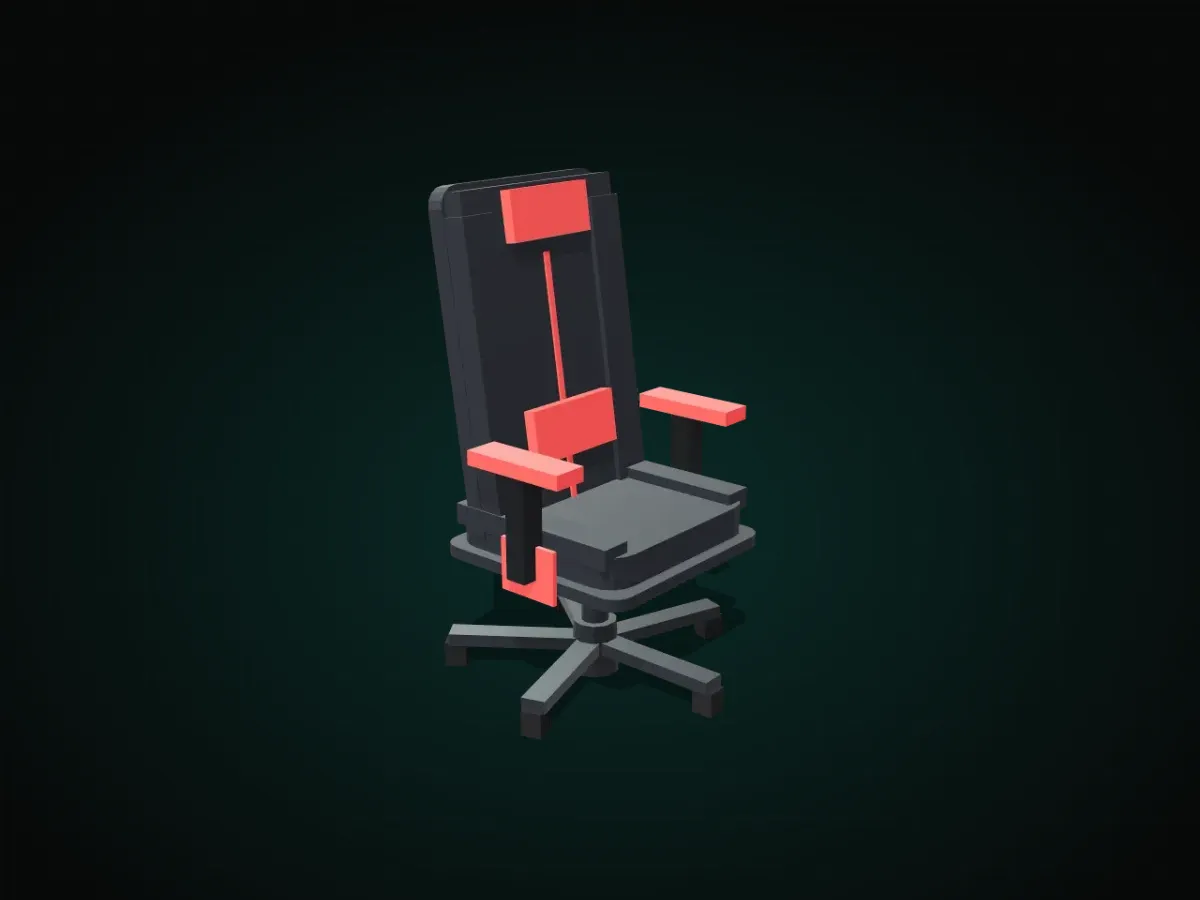
Some of the models in the base library: each with its own sliders, usable in commercial games too.




| Version | 0.5.0 |
| Systems | Windows, macOS (Apple silicon and Intel), Linux |
| Engines | Unreal Engine, Unity, Blender; glTF / GLB export |
| AI assistant | With credits, or with your own OpenAI, Anthropic, DeepSeek, Z.ai, MiniMax or Gemini key |
| Pricing | €15 a month, €150 a year or €399 once for a lifetime licence; the monthly and yearly plans include 350 credits a month for the assistant |
What is worth knowing before you start.
No. Start from the library or describe what you want: the assistant writes the program and you shape the result with its sliders. The code stays there, in a complete editor, for when you need it.
Yes. What you create is yours, and the base library can be used in your games, commercial ones included.
No. Every model keeps the geometry of its last rebuild, so scenes open and render without the app: Studio is what you edit a model with. To publish you can turn them into ordinary meshes.
No: Studio checks the licence with the server while you work. If the connection drops it keeps working for a few minutes, and open documents can always be saved.
Windows, macOS (Apple silicon and Intel) and Linux. The plugins are installed separately, for the engines you use.
 Available
Unreal Engine 5 plugin
Textures, without leaving the editor.
Twelve texture tools inside Unreal Engine: heightmaps with hydraulic erosion, noise, LUTs, channel packing, curvature and cavity, normal maps from heights and geometric patterns.
Unreal Engine 5 · Windows
 Available
Unreal Engine 5 plugin
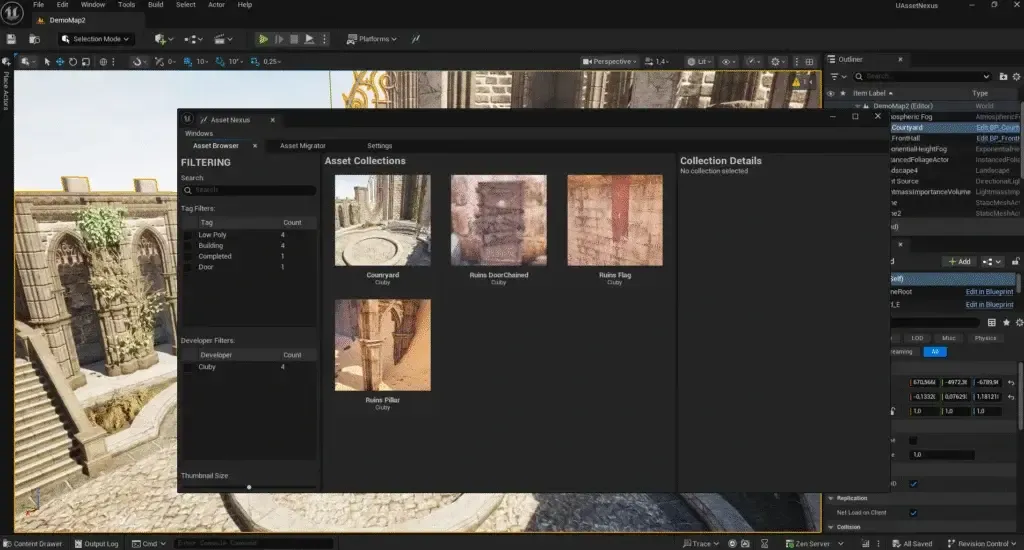
Every asset, in every project.
Catalogue and move assets between Unreal Engine projects and versions: tags, bulk import, dependencies pulled in automatically, and synchronisation with Google Drive, OneDrive and Nextcloud.
Unreal Engine 5 · Windows
 Available
Android app · Plugin
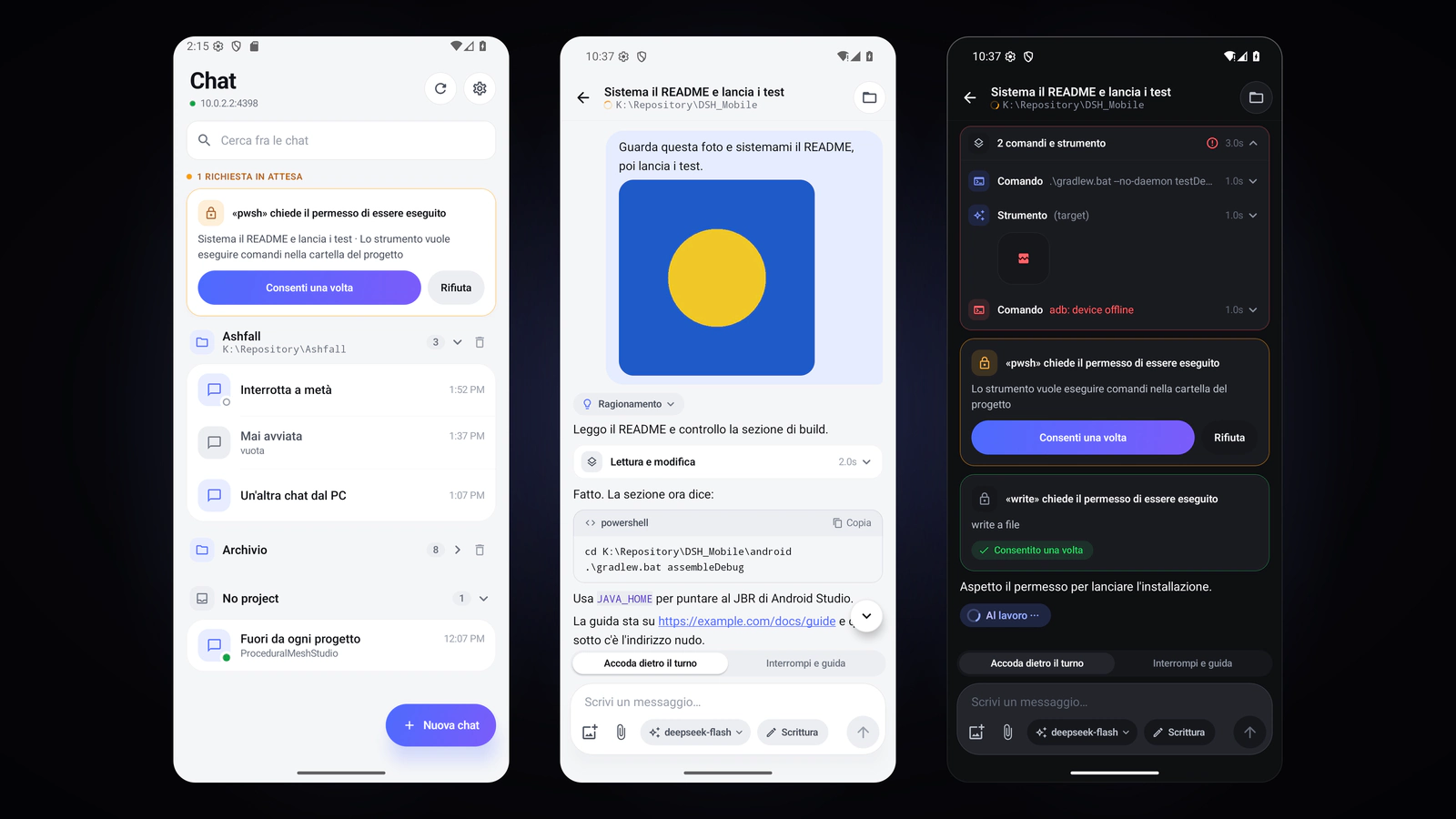
Your harness chats, in your pocket.
A plugin opens DeepSeek Harness to a native Android app: chats grouped by project, the transcript with the tool cards, approvals and questions, photos, files and artefacts, model and access level. Over Wi-Fi or Tailscale, with no cloud.
Android · DeepSeek Harness